
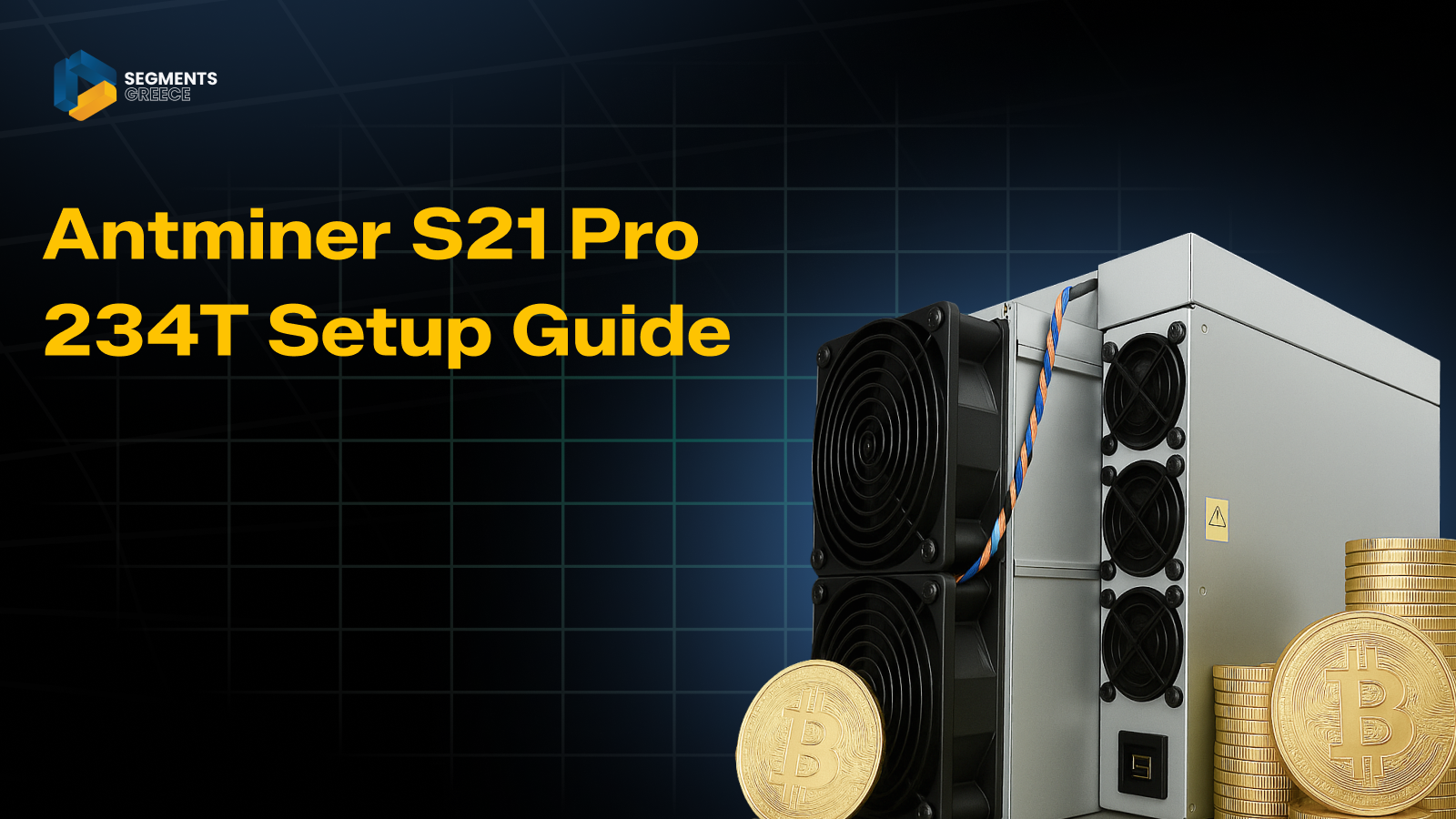
The Antminer S21 Pro 234T stands out as one of the most advanced ASIC miners in today’s Bitcoin mining landscape. Built for serious miners, it combines a massive hash rate with impressive power efficiency, making it a top choice for maximizing profitability. Like all high‑performance rigs, understanding its power consumption and ensuring a reliable cooling system are critical to achieving stable, long‑term results.
In this guide, we’ll walk you through the complete setup process, from unboxing to configuring your mining pool, so you can start mining quickly and effectively. Whether you’re optimizing airflow, monitoring electricity costs, or fine‑tuning your miner’s performance, this step‑by‑step tutorial will help you unlock the full potential of the Antminer S21 Pro 234T.
Unboxing and Hardware Setup: Cooling System, Energy Consumption, and Mining Set‑Ups
When you first unbox the Antminer S21 Pro 234T, it’s important to prepare your mining environment with efficiency and security in mind.
- Check the package contents: Confirm that the miner, power supply unit (PSU), and all necessary cables are included.
- Placement and cooling system: Position the miner in a well‑ventilated area. Consider adding external fans or an advanced cooling system to maintain stable temperatures and reduce the noise level during operation.
- Power connection and energy consumption: Connect the PSU to the miner and plug it into a reliable power source. Keep in mind that ASIC miners are powerful but can draw significant energy, so monitoring energy consumption is essential for profitability.
- Network connection: Use a wired Ethernet connection for stable internet access, ensuring your mining set‑up runs without interruptions.
- Security considerations: Link your mining rewards to a secure wallet. Many miners prefer hardware wallets or a cold wallet to safely store earnings from each block reward.
Accessing the Miner Interface: Crypto Mining Setup, Firmware Optimization, and Wallet Security
To begin managing your Antminer S21 Pro 234T, you’ll need to access its web interface. This step is essential for configuring your mining pool and monitoring performance in today’s competitive crypto mining environment, where mining difficulty constantly adjusts.
- Connect your computer: Ensure your PC is on the same network as the miner. Use a stable Ethernet cable connection to avoid interruptions.
- Find the IP address: Locate the miner’s IP via your router’s admin panel or an IP scanner tool.
- Open the interface: Enter the IP address in a web browser to access the miner dashboard.
- Login credentials: Use the default login (usually root/root) to enter the system.
- Firmware optimization: Once inside, check for the latest firmware updates. Proper firmware optimization improves hash rate, reduces errors, and enhances power efficiency.
- Wallet setup: Configure payout settings carefully. While many miners use hot wallets for convenience, securing earnings in hardware wallets or cold wallets is recommended for long‑term safety.
- Advanced features: Some pools support merged mining, allowing you to mine multiple coins simultaneously without extra energy consumption.
Pool Configuration: Reliable Mining Pools and Wallet Security
Mining pools allow you to combine your hashing power with other miners for consistent payouts. This ensures a steady income even as mining difficulty changes.
Steps to Configure:
- Navigate to the Miner Configuration tab in the web interface.
- Enter your pool details:
- Pool URL: Provided by your chosen mining pool.
- Worker name: Typically, your wallet address or username with a worker ID.
- Password: Often optional, can be set as x.
- Save and apply settings.
Recommended Pools:
- F2Pool – Reliable payouts and global servers.
- AntPool – Official Bitmain pool with strong support.
- Slush Pool – One of the oldest and most trusted pools.
- ECOS Pool – Offers cloud mining options and transparent fee structures.
First Mining Steps: Monitoring Hash Rate and Wallet Setup
After saving pool settings, the miner will automatically start hashing.
- Monitor performance under the Miner Status tab.
- Check metrics such as hash rate, temperature, and fan speed.
- Ensure your wallet address is correctly linked to receive payouts.
- Factor in the transaction fee when calculating profitability.
Mining Pool Comparison Table
Pool Name |
Key Features |
Fees / Transactions Fee |
Best For |
| F2Pool | Global servers, reliable payouts | Standard pool fees | Beginners and experienced miners |
| AntPool | Official Bitmain support, ASIC focus | Competitive fees | Users with Bitmain hardware |
| Slush Pool | Transparent stats, trusted history | Slightly higher fees | Long‑term miners valuing trust |
| ECOS Pool | Cloud mining options, flexible plans | Varies by plan | Miners seeking hybrid solutions |
Optimization Tips: Mining Software, Cooling Costs, and Long‑Term Profitability
Optimizing your Antminer S21 Pro 234T is essential for sustainable cryptocurrency mining. Beyond the initial setup, miners must focus on efficiency, wallet security, and performance tuning to maximize returns.
- Cooling and cooling costs: Use external fans, industrial cooling systems, or air conditioning to maintain optimal temperatures. Proper cooling reduces hardware stress and lowers long‑term cooling costs, which directly impact profitability.
- Firmware updates and mining software: Regularly check for Bitmain firmware updates and integrate reliable mining software to improve efficiency. The right mining software ensures smoother operation, better hash rate management, and compatibility with advanced features like merged mining. Updating both firmware and mining software is critical for keeping your rig competitive as mining difficulty increases.
- Electricity costs and transactions fee: Calculate profitability based on local electricity rates and factor in transactions fee deducted by mining pools. Balancing energy consumption with block rewards helps you understand the true ROI of your mining set‑up.
- Monitoring tools and mining software: Use dashboards, apps, or integrated mining software to track performance remotely. These tools allow you to monitor hash rate, temperature, and fan speed while providing alerts for potential issues.
- Wallet security: While hot wallets offer convenience for quick payouts, securing your earnings in hardware wallets or cold wallets is safer. This ensures that your mined Bitcoin remains protected against online threats.
- Hardware care and repair guide: Over time, ASIC miners like the Minero ASIC may require maintenance. Following a proper repair guide can help you troubleshoot issues such as overheating, unstable hash rates, or PSU malfunctions. Preventive care reduces downtime and extends the lifespan of your mining equipment.
- Advanced mining software integration: For professional miners, running multiple rigs with optimized mining software allows better resource allocation, improved energy efficiency, and streamlined management of large‑scale mining farms.
Common Troubleshooting: Power Mode, Security Tools, and Pool Stability
Even the most advanced ASIC miners like the Antminer S21 Pro 234T can face issues during operation. Understanding common problems and applying the right fixes ensures smoother cryptocurrency mining and consistent payouts.
- Low hash rate: Double‑check your pool settings and network stability. If you’re using the ECOS pool, verify that your worker name and wallet details are correct. Adjusting the miner’s power mode can also help stabilize performance.
- Overheating and power consumption: Improve ventilation, reduce ambient temperature, and monitor power consumption closely. Switching between different power mode settings allows you to balance efficiency and cooling requirements.
- Connection issues: Restart the miner and router, and verify your Ethernet cable connection. Pools like ECOS pool may require specific configuration details, so ensure they are properly entered.
- Security tools and wallets: Protect your mining income with reliable security tools. While hot wallets offer convenience, storing rewards in hardware wallets or cold wallets is safer. Always factor in transactions fee when calculating profitability.
- Power mode adjustments: Experiment with different power mode levels to optimize hash rate versus energy efficiency. Using the right power mode can reduce downtime and extend hardware lifespan.
- Advanced troubleshooting: If issues persist, consult a detailed repair or maintenance guide. Many miners rely on community forums and official documentation for step‑by‑step solutions tailored to ASIC miners.
Issue / Factor |
Possible Cause |
Recommended Fix / Action |
| Low Hash Rate | Incorrect pool settings, unstable network | Verify pool details (e.g., ECOS pool), adjust power mode, and check ASIC miners configuration. |
| Overheating | Poor ventilation, high ambient temp | Improve airflow, add external fans, monitor cooling system, and calculate cooling costs. |
| High Power Consumption | Inefficient settings, outdated firmware | Switch to efficient power mode, update firmware, and optimize mining software. |
| Connection Issues | Router instability, weak Ethernet link | Restart router/miner, check Ethernet cable, and re‑enter pool credentials. |
| Wallet Security | Using only hot wallets | Store payouts in hardware wallets or a cold wallet; use security tools for added protection. |
| Unexpected Fees | Pool or network transactions fee | Compare pools, factor fees into ROI, and monitor payouts carefully. |
| Noise Level | High fan speed due to heat | Adjust power mode, relocate miner, or use sound‑dampening enclosures. |
| Advanced Mining | Rising mining difficulty | Consider merged mining options, optimize mining software, and diversify strategies. |
FAQS:
What is the power consumption of the Antminer S21 Pro 234T?
The miner consumes significant electricity, so calculating local energy costs is essential for profitability.
How do I configure mining pools on the Antminer S21 Pro 234T?
Navigate to the Miner Configuration tab, enter the pool URL, worker name, and password, then save settings.
Which mining pools are best for the Antminer S21 Pro 234T?
Popular options include F2Pool, AntPool, Slush Pool, and ECOS Pool, each with different fee structures.
What cooling system is recommended for ASIC miners like the S21 Pro 234T?
External fans, industrial cooling, or immersion cooling can help manage heat and reduce noise levels.
Should I use hot wallets or cold wallets for mining payouts?
Hot wallets are convenient, but cold wallets or hardware wallets provide stronger security for block rewards.
How does mining difficulty affect profitability with the Antminer S21 Pro 234T?
As mining difficulty rises, efficiency and pool selection become critical to maintaining consistent payouts.
Can I perform merged mining with the Antminer S21 Pro 234T?
Yes, some pools support merged mining, allowing you to mine multiple cryptocurrencies simultaneously.
What are the common troubleshooting steps if my hash rate drops?
Check pool settings, adjust power mode, verify network stability, and monitor cooling and firmware updates.
Conclusion
Setting up the Antminer S21 Pro 234T is straightforward when following the right steps, but success in cryptocurrency mining depends on more than just plugging in hardware. In my opinion, the real advantage of this miner lies in its balance of power efficiency and adaptability to rising mining difficulty. By configuring your mining pool correctly, monitoring power consumption, and investing in a reliable cooling system, you can maximize profitability while minimizing downtime.
I also believe that wallet security is often overlooked. Using hardware wallets or a cold wallet instead of relying solely on hot wallets ensures that your block rewards are protected against online threats. Finally, miners who regularly perform firmware optimization and track transaction fees will be better positioned for long‑term success. In short, the Antminer S21 Pro 234T is not just about raw hash rate; it’s about building a sustainable, secure, and profitable mining operation.